
Staying connected to the latest television channels and satellite broadcasts has become easier when the right information is available in one place. Our platform was created for viewers who want to keep up with the changing world of satellite television, from newly launched channels and updated frequencies to broadcasting changes across different satellites.
Finding a working frequency is not always enough; viewers may also need to know how to configure their receiver correctly, identify the appropriate satellite, or restore a channel that has disappeared from the channel list. That is why we focus on publishing practical information that can be followed easily, whether you are installing a channel for the first time or updating an existing satellite setup.
We also pay close attention to the latest developments affecting television broadcasting. Channel launches, frequency changes, satellite migrations, technical updates, and reception solutions are among the subjects we cover to help readers stay informed. Our aim is to turn scattered satellite information into clear and useful content that saves time and makes finding the right channel and reception settings much simpler.
In today’s digital world, satellite TV channels have become a primary source of amusement and information in every Arab household. Whether you’re watching Nilesat, Arabsat, or any other satellite, weak transmission is one of the most frustrating problems.
You may get a blurry picture, sudden interruptions, or the dreaded “No Signal” message. But what are the real causes behind this weakness? And how can you solve it easily and effectively without calling a technician every time?
In this distinctive article, we will explore the common causes of weak satellite dish signals in a sharp, scientific manner, then provide practical solutions with step-by-step instructions. Let’s begin!
1. Common Causes of Weak Signal
A. Dish Misalignment
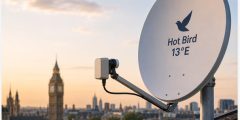
This is the most common cause, accounting for over 60% of cases. The dish must be precisely pointed toward the satellite (e.g., 7° West for Nilesat). Even a slight deviation of a few degrees can significantly reduce the transmission.
How to identify it? Signal Strength below 70%, while Signal Quality is very low.
B. Obstructions and Blockages
Growing trees, new buildings, power lines, or any object blocking the direct line of sight to the satellite. Satellite signals travel in straight lines and cannot bend around obstacles.
C. LNB Problems (Low Noise Block Downconverter)
The LNB is the “eye” of the dish that captures the transmission. If it is damaged, worn out due to sun and rain, or covered in dirt, the transmission will weaken noticeably.
D. Cables and Connections
Damaged coaxial cables, moisture inside them, or loose connectors. Every extra meter of cable can reduce transmission strength by 1-2%.
E. Weather Conditions (Rain Fade)
Heavy rain, snow, or sandstorms (common in Egypt and the Gulf) absorb the transmission. This is normal and not a device fault.
F. Other Technical Issues
- Faulty device (converter).
- Weak satellite transmit transmission.
- Interference from neighboring dishes.
2. Practical and Effective Solutions (Step by Step)
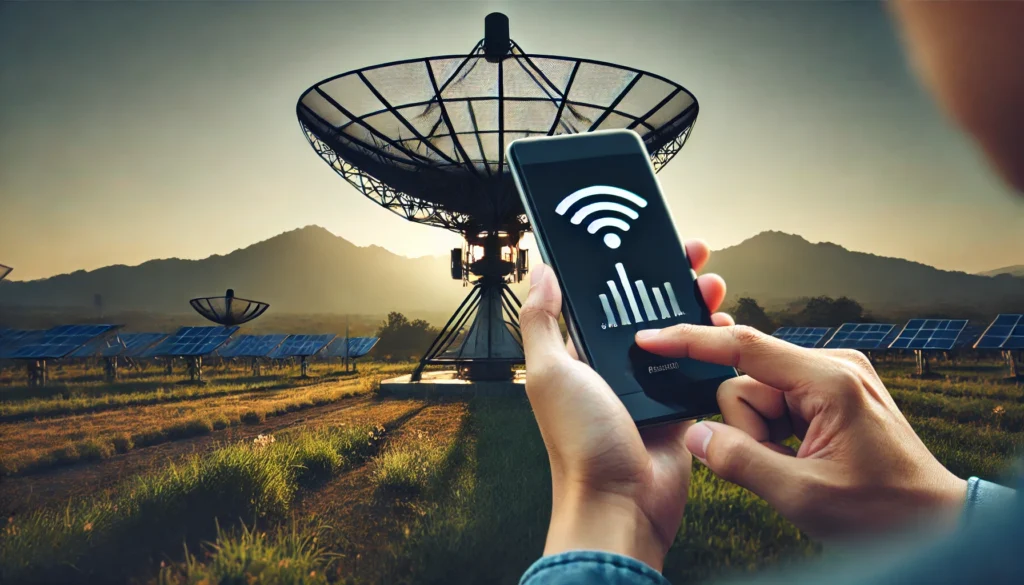
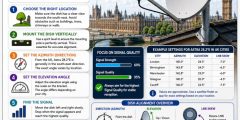
Solution 1: Realign the Dish Accurately (Most Effective)
- Buy a cheap Satellite Signal Finder (costs 100-300 EGP / $2-6).
- Enter the satellite settings in your device (e.g., Nilesat 7° West – Frequency 12303 – Symbol Rate 27500).
- Slowly move the dish horizontally and vertically until the transmission reaches 90%+.
- Tighten all bolts firmly.
Golden Tip: Use the “Dish Pointer” app on your phone to get the exact angles based on your location (e.g., in Giza: Azimuth ≈ 207°, Elevation ≈ 38°).
Solution 2: Clean and Maintain the LNB
- Disconnect power completely.
- Clean the LNB with a dry cloth (never use water).
- Ensure the plastic cover is intact.
- If it is more than 3 years old, replace it with a high-clarity LNB (such as Inverto or Strong).
Solution 3: Inspect the Cables
- Check the cable from the dish to the device for cuts, damage, or moisture.
- Use high-clarity RG6 or RG11 cable.
- Reconnect the F-connectors tightly.
Solution 4: Dealing with Weather Conditions
- For rain: Install a larger dish (90 cm or 120 cm instead of 60 cm). A bigger dish collects a stronger transmission.
- Use “Anti-Rain Fade” LNBs if available.
- During sandstorms: Cover the dish with a transparent protective cover.
Advanced Solutions
- Install a Signal Amplifier if the cable run is very long.
- Relocate the dish to a higher position with no obstructions.
- Update or factory reset the device.
- If the problem persists, contact your satellite operator (e.g., Nilesat) to check the satellite transmission itself.
3. Preventive Tips to Avoid Future Problems
- Inspect your dish at least every 6 months.
- Use rust-resistant mounting hardware.
- Avoid installing the dish near trees or chimneys.
- Buy original, high-clarity equipment.
- In Egypt, especially watch for northwest winds that can gradually shift the dish.